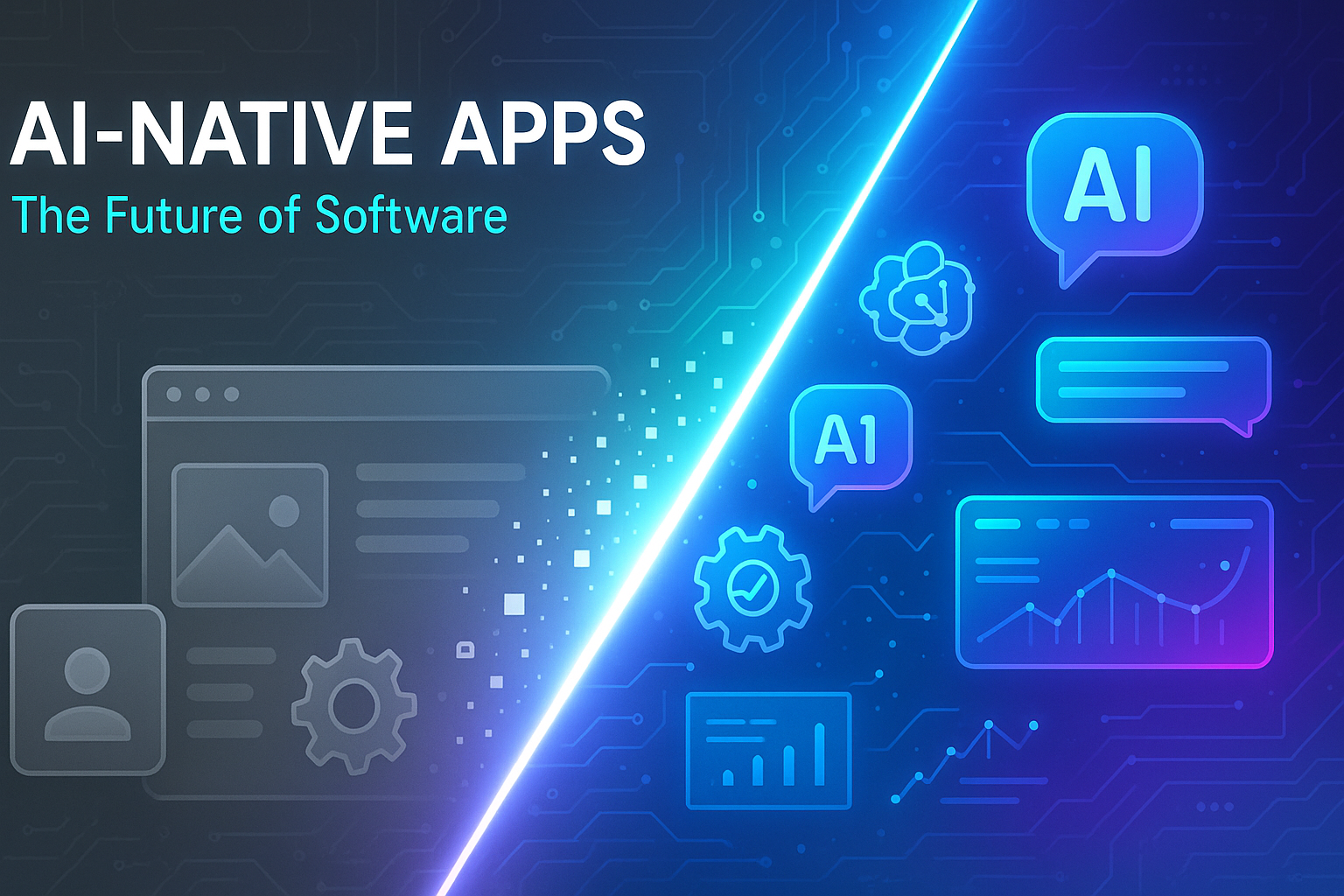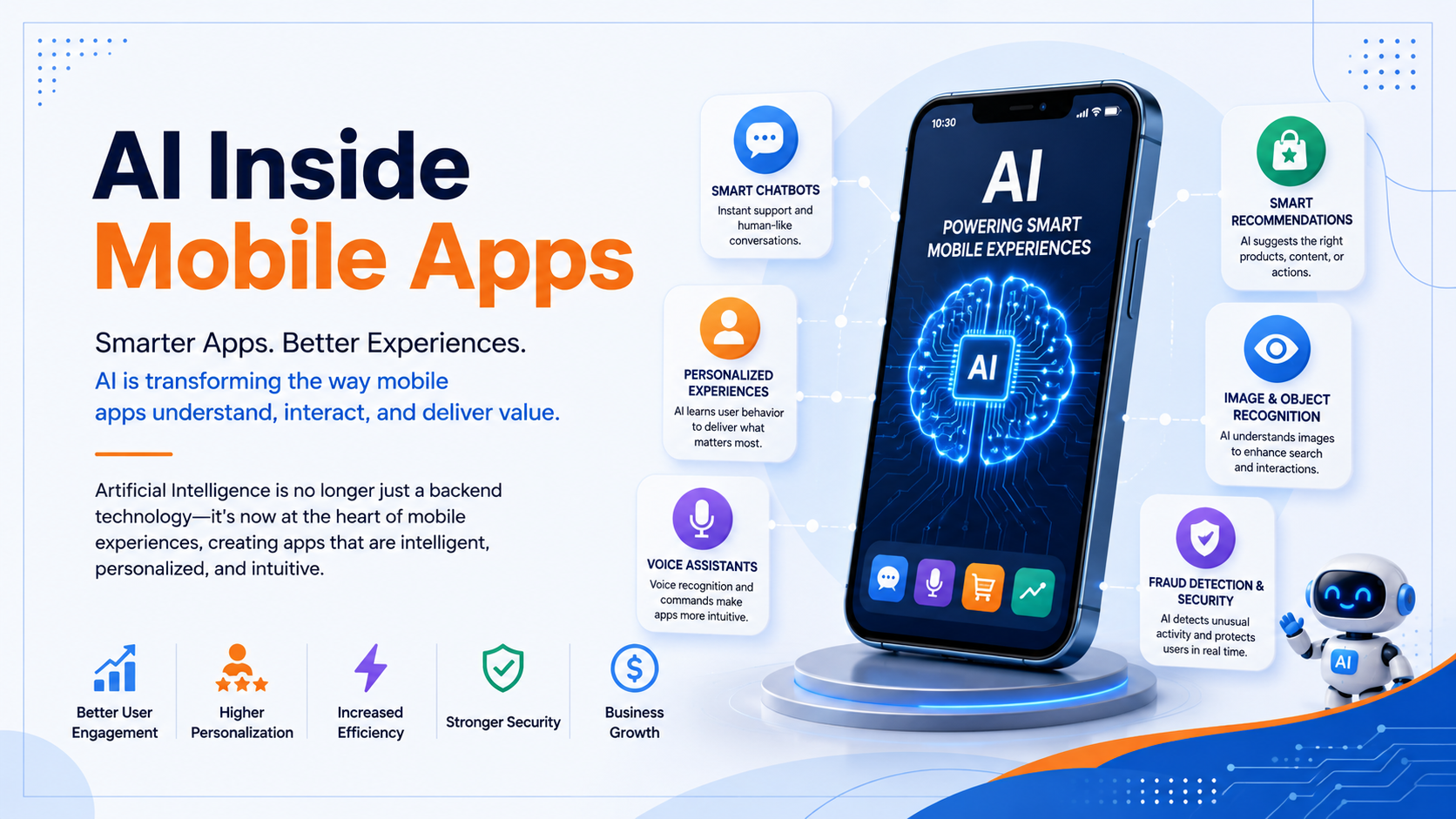
The Big Question
What happens when users stop opening your app to tap through screens and instead ask an AI agent to complete a task on their behalf? When your app's value is no longer measured by daily active users but by how often its capabilities are invoked by an intelligent assistant?
User expectations for AI on their devices are fundamentally shifting how they interact with apps. Instead of opening apps to do tasks step-by-step, they're asking AI to do the heavy lifting for them. In this new interaction model, success is shifting from getting users to open your app to successfully fulfilling their tasks and helping them get more done faster.
The New Mobile Architecture: AI-First Design
Building AI-powered mobile apps requires a fundamental rethinking of architecture. The decisions you make about where AI runs—on-device, in the cloud, or hybrid determine your app's privacy, performance, and cost characteristics.
On-Device Intelligence: Privacy and Speed
On-device inference processes data locally on the device, keeping user data private, working reliably even without internet, and eliminating cloud inference costs. Building intelligent on-device features refers to the ability to process prompts and data directly on a device without sending data to a server.
Key benefits:
-
Privacy: User data stays on the device
-
Reliability: Works without internet connection
-
Cost: No cloud inference costs
-
Latency: Guaranteed low latency
Gemini Nano, Google's most efficient model optimized for mobile devices, is now running on over 140 million devices. The latest version, Gemini Nano 4, is optimized for maximum battery and performance efficiency.
Cloud and Hybrid Inference
Sometimes, your use case requires models with greater world knowledge or a much larger context window. In that case, you can switch to using a cloud model instead. Hybrid inference dynamically chooses either a cloud or on-device model at runtime lowering costs by moving inference to the device when available, but supporting all Android devices running the app.
Platform options:
-
Firebase AI Logic: Provides client SDKs for Swift, Kotlin, Java, JavaScript, Flutter, and Unity to access Gemini and Imagen models directly from mobile apps
-
Firebase App Check: Protects APIs from abuse by unauthorized clients
-
Per-user rate limits: Configurable by default
The New Interaction Paradigm: AppFunctions
Android is moving toward a model where AI agents can execute tasks across applications, reducing the need for users to manually navigate between apps. This is made possible by AppFunctions a Jetpack API that allows developers to expose self-describing capabilities within their apps for seamless integration with AI agents.
What Are AppFunctions?
AppFunctions allows Android apps to expose data and functionality directly to AI agents and assistants. Using the AppFunctions Jetpack library and platform APIs, developers can create self-describing functions that agentic apps can discover and execute via natural language.
Mirroring how backend capabilities are declared via MCP cloud servers, AppFunctions provides an on-device solution for Android apps. Much like WebMCP, it executes these functions locally on the device rather than on a server.
How It Works
Under the Android MCP model, your app acts as a local MCP server that exposes structured tools, while the Android platform serves as the central tool registry. On the MCP client side, agent apps are registered with the intelligence system after being granted system-privileged permissions to access the registry.
When a user interacts with a registered agent, its LLM determines if the request can be handled by an AppFunction, queries the platform's metadata, and executes the appropriate registered functions in the background. This design gives you full control: you choose exactly which features are accessible to the agent, keeping the rest of your app's data private.
Example: The Samsung Gallery integration with Gemini on the Galaxy S26 series showcases AppFunctions in action. Instead of manually scrolling through photo albums, you can simply ask Gemini to "Show me pictures of my cat from Samsung Gallery." Gemini processes the request, triggers the relevant function, and presents the results directly in the Gemini app. This experience is multimodal and can be done via voice or text. Users can even use the returned photos in follow-up conversations.
Building AppFunctions: A Practical Guide
Designing AI-Ready Features
To select which features to provide to the intelligence system, look for tasks where a voice or text command is objectively faster than tapping through screens.
Examples from Jetpacker:
-
Expense tracking: Logging a coffee expense during a trip takes quite a few taps. By providing addExpense and getExpenses as AppFunctions, the system agent handles the heavy lifting. When the user says "Add a five-dollar coffee expense to my Paris trip," the agent automatically searches for the correct trip ID in the background and inserts the expense, skipping the manual UI flow entirely.
-
Itinerary management: Finding what activity is next on a busy trip itinerary usually requires scrolling through a dense timeline view. By providing getItinerary, the user can simply ask "What am I doing next in Paris?"
-
Hands-free note capturing: Exposing a voice note capability allows the user to say "The flight was amazing, I saw a beautiful sunset and managed to sleep well," and the agent automatically transcribes and saves it.
The Developer Experience
The AppFunctions development skill is a complete development companion. It guides you through the entire lifecycle: mapping Kotlin data classes to serialize parameters, generating necessary Service entry points, refining KDoc documentation to ensure the LLM understands parameter boundaries, and setting up automated testing using ADB.
UI Automation as Fallback
For apps that do not yet implement AppFunctions, Android is developing a UI automation framework that enables AI agents to perform multi-step tasks within installed apps. This system does not require developers to add new integrations. The platform performs the automation layer, extending AI-driven task execution without additional engineering effort.
Users can delegate complex tasks to Gemini by long-pressing the power button. This will initially support curated apps in food delivery, grocery, and rideshare categories.
The Flutter AI Toolkit
For cross-platform development, the Flutter AI Toolkit provides a set of AI chat-related widgets that make it easy to add an AI chat window to your Flutter app.
Key features:
-
Multi-turn chat: Maintains context across multiple interactions
-
Streaming responses: Displays AI responses in real-time
-
Voice input: Allows users to input prompts using speech
-
Multimedia attachments: Enables sending and receiving various media types
-
Function calling: Supports tool calls to the LLM provider
-
Custom styling: Offers extensive customization
-
Pluggable LLM support: Implement a simple interface to plug in your own LLM
-
Cross-platform support: Compatible with Android, iOS, web, and macOS
The toolkit supports both the Gemini endpoint (for prototyping) and the Vertex endpoint (for production), both requiring a Firebase project.
On-Device Use Cases in Practice
The Jetpacker demo app demonstrates three key on-device features:
1. Trip Itinerary Summarization
The trip overview feature transforms a messy, multi-day itinerary into a concise, actionable summary using Gemini Nano through the ML Kit GenAI APIs. This is a nice-to-have feature where on-device inference avoids extra cloud costs.
2. Expense Tracker
The expense tracker automatically extracts structured data from receipt images. Using Gemini Nano 4's multimodal capabilities, privacy-sensitive information on receipt images never leaves the user's device.
3. Audio Diary
The audio diary records, transcribes, and categorizes voice notes using ML Kit Speech Recognition and GenAI Prompt APIs, chosen for privacy and connectivity reasons.
The Road Ahead
Looking ahead, Android plans to broaden these capabilities to reach even more users, developers, and device manufacturers. In Android 17, we can expect expanded AppFunctions and UI automation capabilities.
What to expect:
-
Wider availability of AppFunctions across devices
-
Expanded UI automation to more app categories
-
New model capabilities for multimodal understanding
-
Improved performance and battery efficiency
Frequently Asked Questions
Q1: What is AppFunctions?
AppFunctions is a Jetpack API that allows Android apps to expose self-describing capabilities to AI agents and assistants. It enables on-device function execution, improving privacy and performance by minimizing network latency.
Q2: What are the benefits of on-device AI?
On-device AI keeps user data private, works without internet connectivity, eliminates cloud inference costs, and guarantees low latency. Gemini Nano runs on over 140 million devices.
Q3: How do I choose between on-device and cloud inference?
Choose on-device for privacy, connectivity, and cost-sensitive features. Choose cloud for tasks requiring greater world knowledge, larger context windows, or more complex reasoning. Hybrid inference lets you do both.
Q4: What is the Flutter AI Toolkit?
The Flutter AI Toolkit provides AI chat widgets that make it easy to add an AI chat window to your Flutter app. It supports multi-turn chat, streaming responses, voice input, multimedia attachments, and pluggable LLM support.
Q5: How can Innovative AI Solutions help?
We help organizations design, build, and deploy AI-powered mobile applications from on-device model integration and AppFunctions development to cross-platform AI experiences. Based in Delhi, serving clients across India.
Why Delhi is a Great Hub for Mobile AI Innovation
Delhi is emerging as a hub for mobile and AI innovation, backed by a thriving app development ecosystem and a massive mobile-first user base. India's smartphone penetration and growing developer community make it an ideal location for building the next generation of AI-powered mobile experiences.
What We Offer at Innovative AI Solutions
-
Mobile AI Strategy: We help you identify AI opportunities and design mobile AI roadmaps
-
On-Device AI Implementation: We help you integrate Gemini Nano, ML Kit, and on-device models
-
AppFunctions Development: We help you expose app capabilities to AI agents
-
Cross-Platform AI: We help you build Flutter AI experiences using the AI Toolkit
-
Cloud AI Integration: We help you leverage Firebase AI Logic for cloud and hybrid inference
Final Thought
The shift is clear: from apps as destinations to apps as capabilities, from screens to intelligence. The organizations that master this transition will be the ones that deliver seamless, private, and powerful AI experiences that users don't tap through they simply ask.
Contact Us:
Phone: +91 7464 099 059 / +91 9689967356
Email: info@innovativeais.com
Address: Netaji Subhash Place, Pitampura, Delhi – 110034
Website: https://innovativeais.com
About the Author
Abhishek Kumar
Founder & CEO, Innovative AI Solutions
5+ years building AI, mobile, and enterprise systems. Based in Delhi, serving clients across India.
Related services: to apply this in your business, explore our mobile app development and AI agent development.