Read · Query
Database MCP Servers
Safe, parameterised access to business data, with read-only defaults and row-level restrictions where required.
We'll get back to you within 24 hours.




Innovative AI Solutions builds Model Context Protocol (MCP) servers that let AI assistants such as Claude and other MCP-compatible clients use your internal tools, databases and APIs — securely, with clear permissions and full logging. One standard interface replaces a separate custom integration for every AI tool.
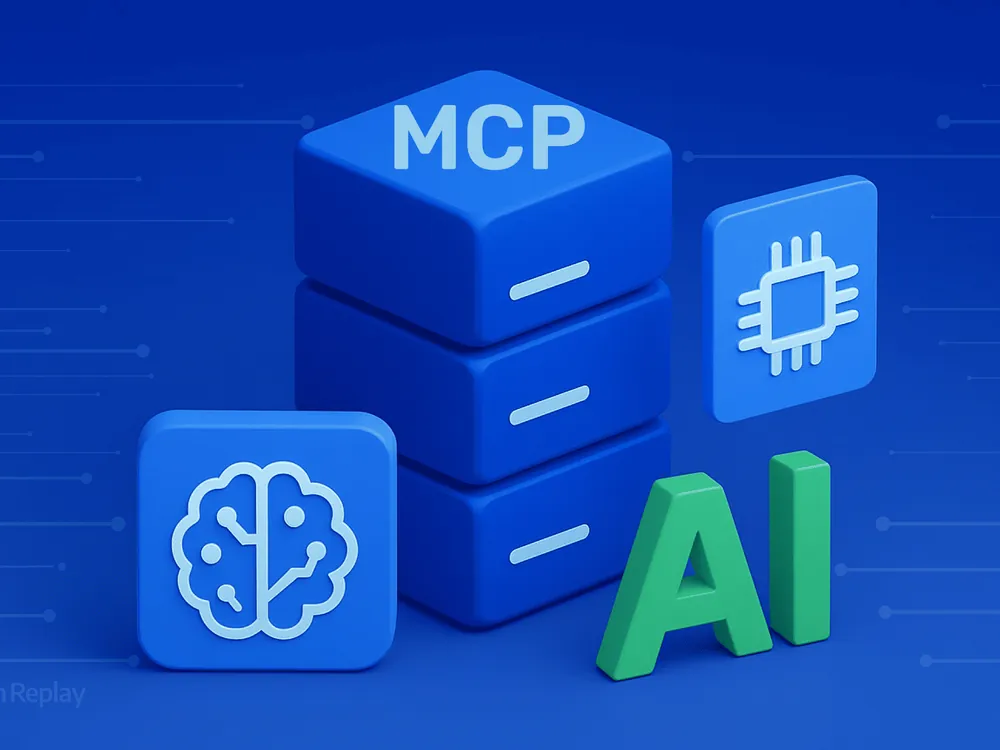
The Model Context Protocol is an open standard for connecting AI applications to external tools and data. An MCP server describes what your systems can do — search records, read documents, create tickets — so any compatible AI assistant can use those capabilities within the limits you set.
We design MCP servers around real tasks: which tools an assistant needs, what data each tool may return, which actions require confirmation and how activity is logged. Servers connect to your databases, internal APIs, SaaS tools and document stores, and follow the same security practices as any production API.
MCP pairs naturally with AI agents and LLM integrations, giving them a consistent, secure way to reach your systems.
Model Context Protocol servers that let AI assistants use your tools and data safely.
MCP servers that expose your APIs, databases and files to AI assistants.
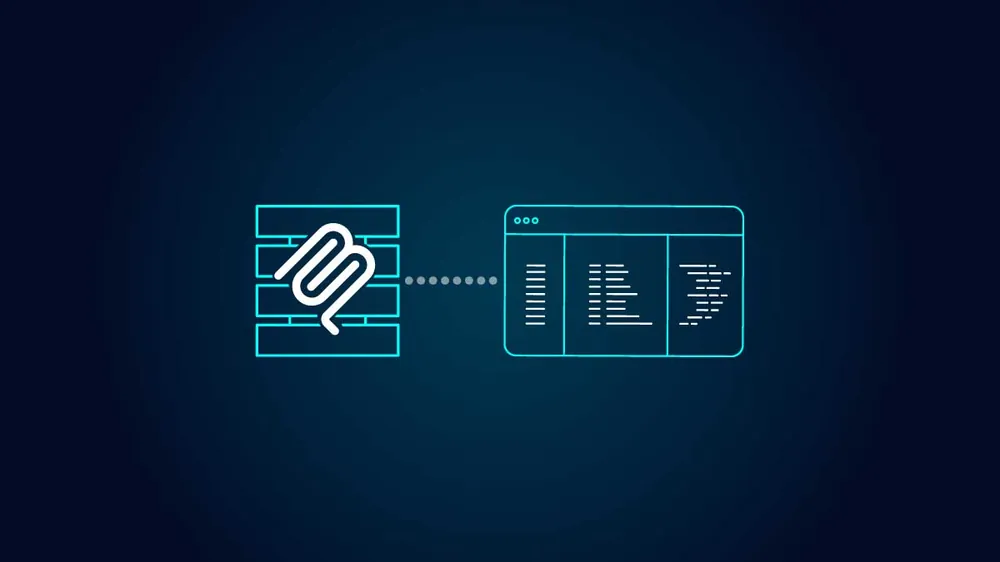
Clear tools and resources the model can understand and use correctly.
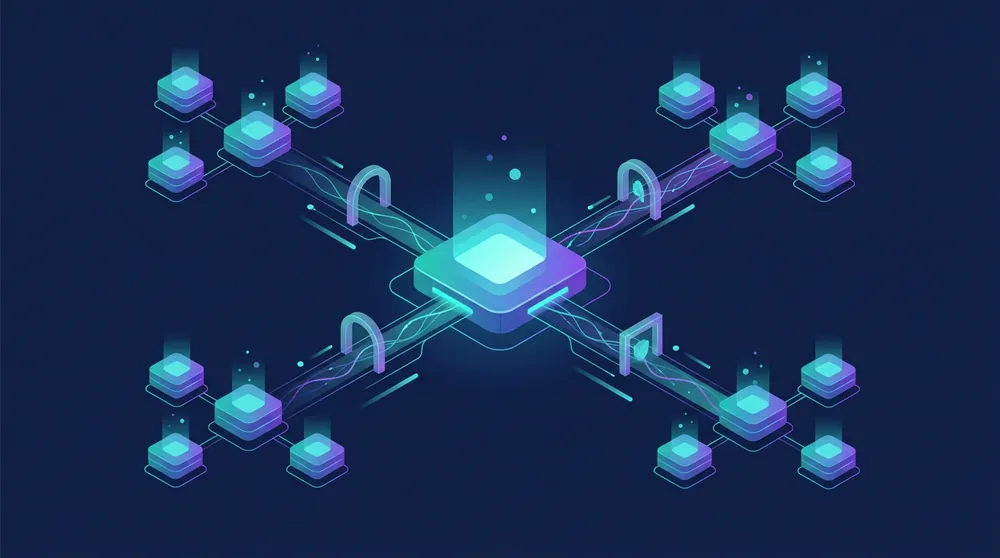
Authentication, scopes and audit logging for every tool call.

Host, monitor and update MCP servers as your systems change.
Give sales teams a focused workspace for prospecting and engagement.
An AI sales platform with lead search and engagement tools.
AI application · Lead search · Sales workflows
Explore the project →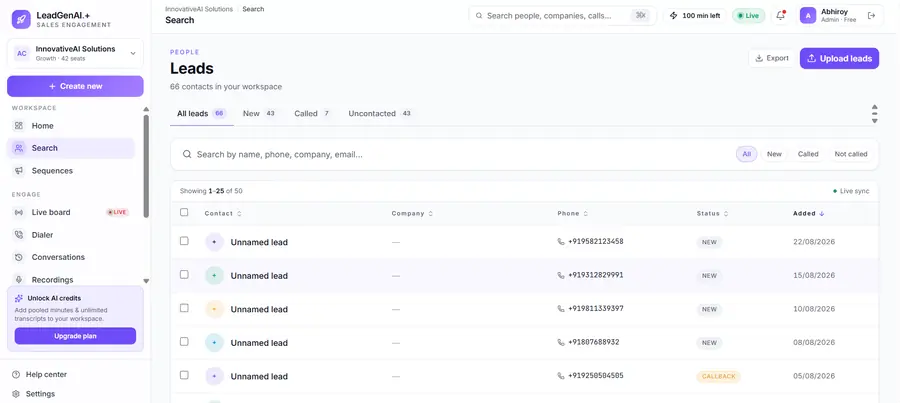
Each server exposes only the tools and data an assistant genuinely needs.
Safe, parameterised access to business data, with read-only defaults and row-level restrictions where required.
Your internal services exposed as well-described tools, with confirmation steps for actions that change data.
MCP servers for CRM, ticketing, project management and other SaaS tools your team uses.
Search and retrieval over documents and knowledge bases, respecting existing access rights.
Custom integrations tie each AI application to your systems separately. An MCP server exposes your tools once, through a standard interface, so multiple assistants and agents can use them consistently.
MCP is a good fit when several AI tools need the same capabilities, or when you want a clear, auditable boundary between AI and your systems.
These are the ways businesses most often use MCP servers.

Staff use Claude or other assistants to look up company data and tools.
Enterprise
Assistants read tickets and customer records and draft responses.
SaaSSupport
Ask questions of business data without writing SQL.
Analytics
Assistants access internal APIs, documentation and deployment tools.
Engineering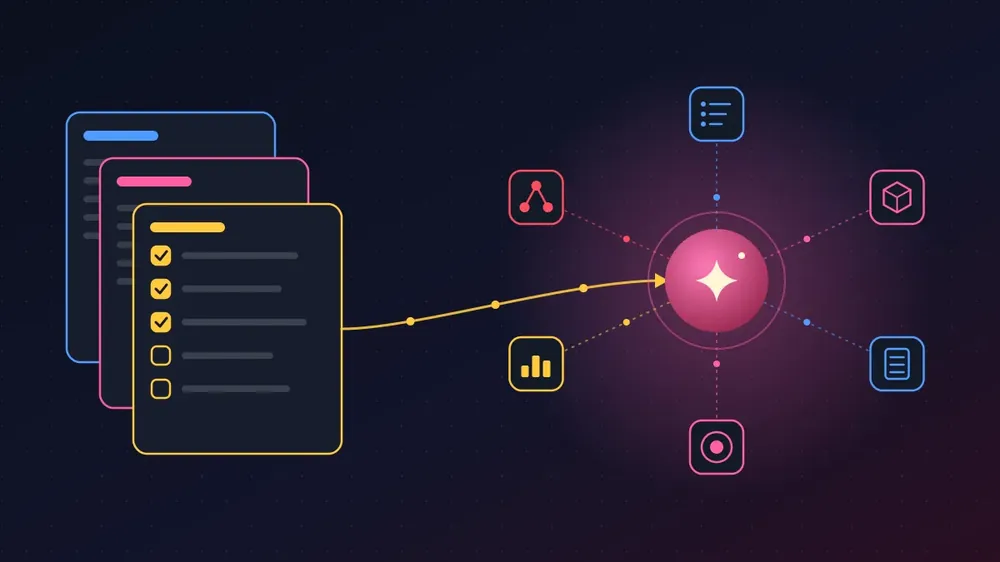
Agents complete tasks across systems through standard tools.
Operations
Assistants search and summarise internal documents.
LegalConsultingWe review the people who will use it, the data and tools it depends on, and what the first release must deliver — before development starts.
Schedule an Architecture Consultation
See what you will review at each stage, from tool design to a secure MCP server in production.
We identify the tasks, tools and data the assistant needs, and what it must never access.
Approve the tool listTool definitions, permissions, confirmations and logging are designed.
Review the designWe build the server and test it with real assistant workflows.
Test with your assistantSecure deployment with authentication, audit logs and monitoring.
Go liveAn MCP server for one system with a handful of tools typically takes two to four weeks. Servers covering several systems take longer and are delivered in phases.
API quality and security review requirements influence timelines most.
Tools designed around real tasks, not raw database access.
Read-only defaults and confirmation for changes.
Authentication, permissions and audit logs built in.
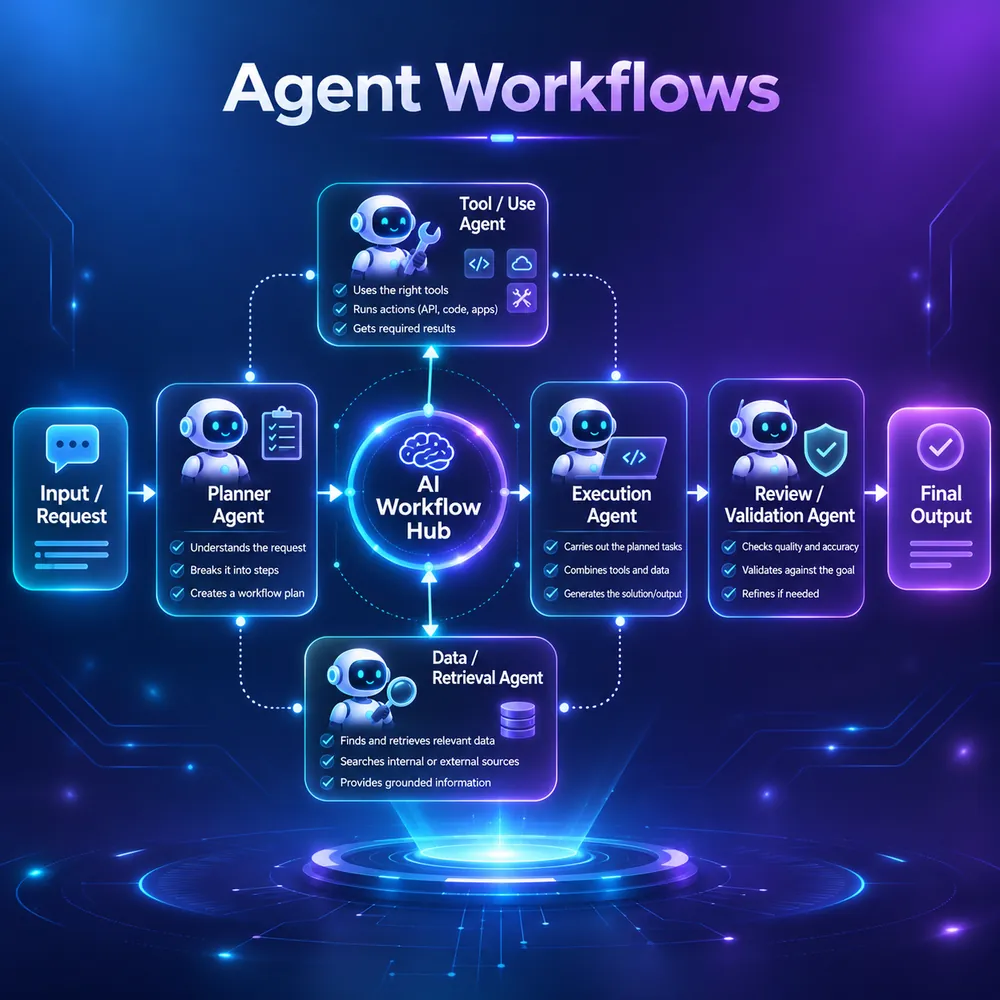
Experience with AI agents and LLM integrations.
Works with Claude and other MCP-compatible clients.
Documentation for your developers to extend the server.
We are based in Delhi and work in person with businesses across Delhi NCR, including Noida, Gurugram and Ghaziabad, alongside remote clients across India, the UK, USA, Australia and the UAE.
Remote projects follow the same process: video workshops, shared designs or documents, and a staging version you can review at every milestone.
We choose tools around your requirements, data and the systems you already use.
An investor dashboard with property, loan, income and transaction views.
Connected information · Dashboard experience · Financial workflows
Explore the project →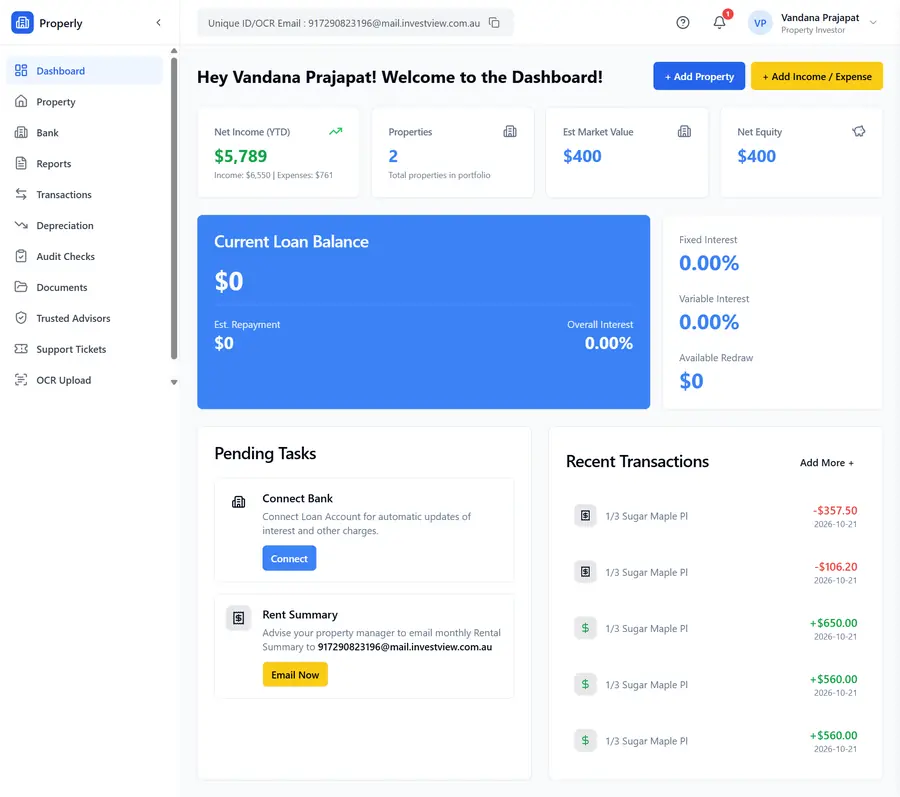
An MCP server lets AI assistants call your internal tools through one controlled interface. The hand-over focuses on what each tool can do and who is allowed to use it.
Tool catalogue. Each tool the assistant can call, its inputs, outputs and side effects, written so non-developers can review it.
MCP server. A production server exposing those tools, resources and prompts to MCP-compatible clients.
Authentication. Per-user credentials or scoped service accounts, so the assistant never has more access than the person using it.
Permission rules. Read-only by default; write actions require explicit approval or are limited to safe operations.
Audit log. Every tool call recorded with user, inputs and result.
Client setup guide. How to connect the server to the AI assistants your team uses.
Assistants that read tickets, logs and documentation, and open pull requests through approved tools.
AI coding tools directory →Read-only access to reporting databases, so managers can ask questions in plain language.
Assistants that look up orders and account status for agents without switching screens.
RAG chatbot for support →Each exposed action needs input validation, error handling and tests.
Read-only servers are quicker; write actions need approval flows and stronger auditing.
Per-user OAuth is more work than one service account but gives proper access control.
Local, internal-network or cloud hosting each have different security setups.
MCP servers are built remotely with your engineering team. Regional pages describe our work in each area.
Tell us what you need. We will recommend an approach and give you a clear estimate.
Get a Free ConsultationOur Products
Drag or swipe to explore
Track stock levels, movements, and reordering in real time with complete accuracy across locations.
Explore Product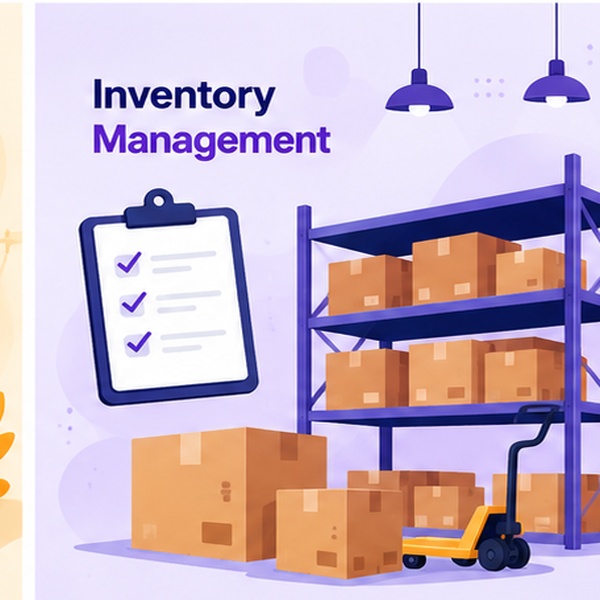
Generate dynamic QR codes in seconds to power your marketing campaigns and customer touchpoints.
Explore Product
Keep a live inventory of every device, license, and asset your company owns, from procurement to retirement.
Explore Product
A 100% customizable, GST-compliant invoicing tool for every business type, with fields and formats tailored to your workflow.
Explore Product
Turn long, unwieldy links into short, trackable URLs with a simple API built for developers.
Explore Product
Log, track, and resolve customer complaints from one dashboard, so nothing slips through the cracks.
Explore Product
OUR EXPERTISE
Turn your business data into useful AI systems and automate everyday workflows.
Build reliable digital products, from your first idea to a platform ready to scale.
Give your applications a dependable foundation with cloud infrastructure and delivery automation.
Create clear, responsive websites that help customers discover your business and take action.
Official AI Partners
Copyright © 2020–2026 Innovative AI Solutions. All Rights Reserved. | Privacy Policy | Terms & Conditions
Hear from our clients and why 50+ businesses trust Innovative AI Solutions
Innovative AI Solutions built our HR and attendance platform with a mobile app for field employees. Selfie and GPS check-in, payroll, PF/ESI and leave now run from one system for our whole workforce.
The team understood our consulting workflow quickly and delivered a clean, reliable solution. Communication was clear at every stage and they were always responsive when we needed changes.
They built a CRM around the way our team actually works. Leads, follow-ups and customer records are now in one place, and the whole team can see where every enquiry stands.
Innovative AI Solutions delivered our grocery delivery platform with category browsing and an admin dashboard for orders, inventory and analytics. A professional team that delivered what we needed.
Certifications & Awards






Share your requirements to help our experts understand your business goals and plan the right solution.
Platforms & AI partners we build with
 OpenAI
 Claude
 AWS
 Google Cloud
 Azure
 Salesforce
 Docker
 Kubernetes
 React
 Python
 Node.js
 Shopify